Headings
Poppins
Sab sorted hai.
Logos, colours, type and the few rules that keep them ours.
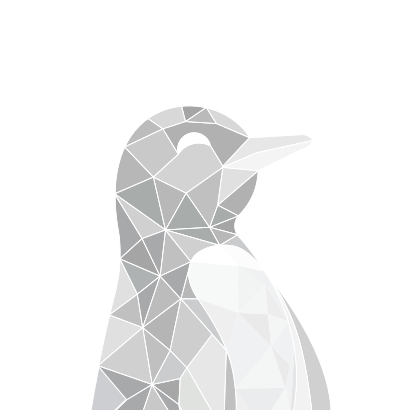
The penguin from the shoulders up, in the shapes it shows up in.
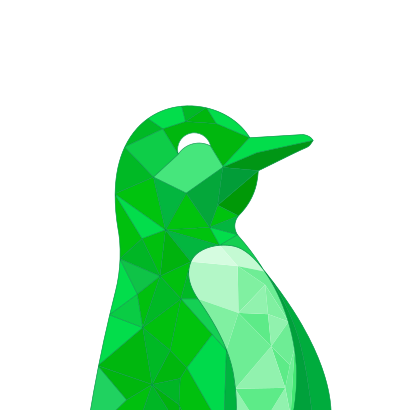
Spanish Green leads. Everything else is there to let it breathe.
Two faces with separate jobs. Poppins for headings, Montserrat for everything you read.
Headings
Sab sorted hai.
Everything else
Bingy maps your road from today to your first job.
Isometric blocks for every part of the road. Use them still; switch to Live to see them move, and tap one to play it again.
A few rules keep the logo looking like us wherever it goes.

 Campus Binge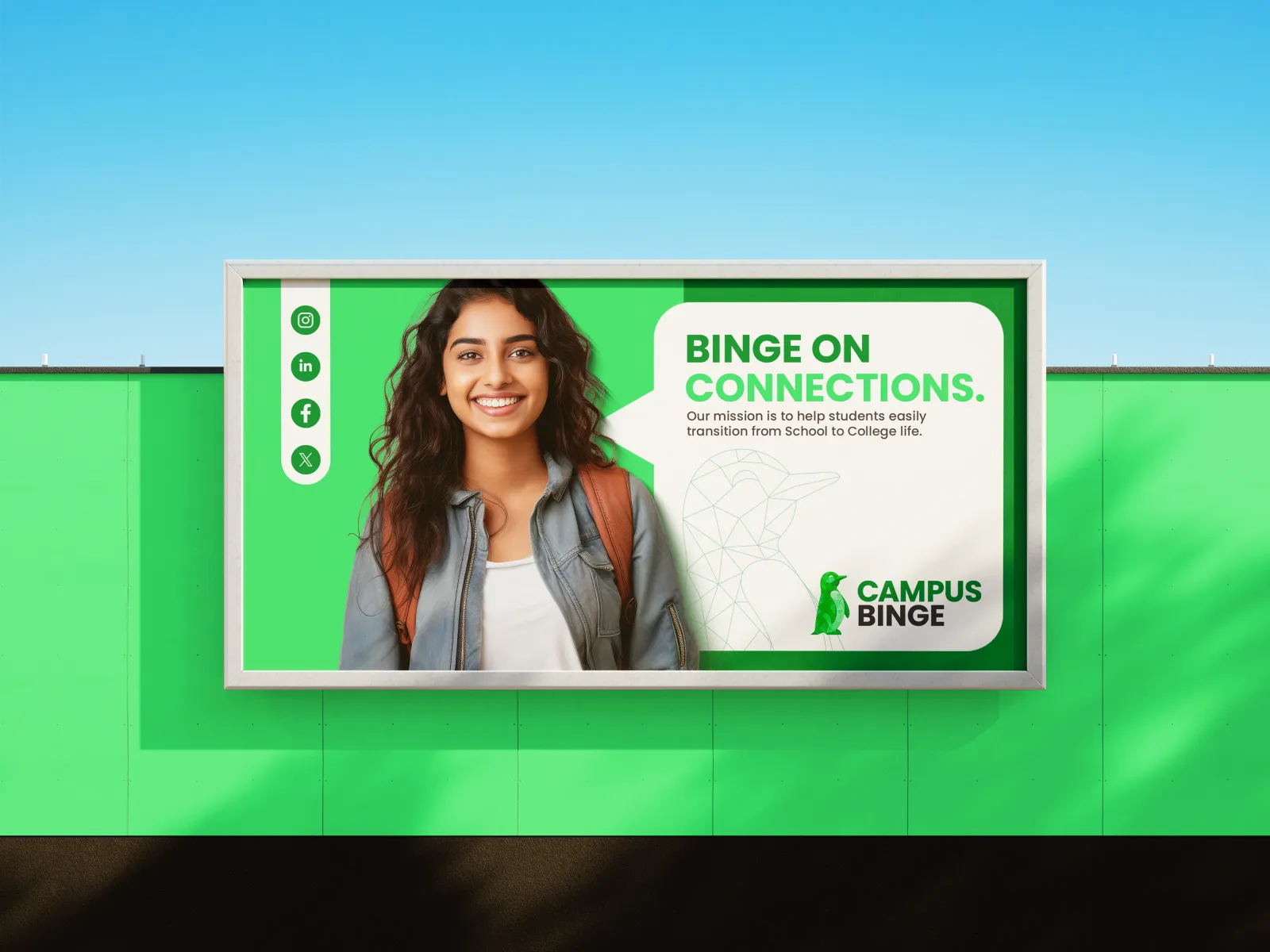
Every logo in colour, black and white as SVG, with both typefaces named. Ready for posters, slides, merch requests and press. Each logo downloads on its own from the logo section.
Hand your AI agent CampusBinge.DESIGN: every colour, font, size, button, slider, sheet, menu and motion this site uses, and the logo rules, in the open .DESIGN format. The kit adds the logos, every sticker and the code each rule points to.
Works best with the design-engineering skill by AgentsORG:
npx skills add AgentsORG/design-engineeringversion: 1.1.0status: lockupdated_at: "2026-10-29T00:00:00+05:30"description: >…tokens: color: # Brand (2025 brand guide + the live site's :root) primary: { $value: "#019543", description: "Spanish Green. Fills, buttons, rings, large display type, slider fill." } primary-deep: { $value: "#017835", description: "Green that carries words; pressed buttons; gradient start." } on-primary: "#FFFFFF" accent: { $value: "#46E67C", description: "UFO Green. Decoration only, never text." } on-accent: "#01742D" primary-container: { $value: "#C9F7D8", description: "Mint. Chips, check marks, quiet brand moments." }
Yes. Use the files from this page as they are, and link to campusbinge.com where you can. If it's a story about us, the full logo works best.
No. Please don't put the logo on anything you make, sell or give away. If you'd like Campus Binge merch, write to us.
Only once we've agreed it in writing. Please don't put our logo next to yours in a way that suggests a partnership we haven't made.
Use the contact page. We usually reply within two working days.